
Latest Version
LMN
Education
Windows
Free
9wzdncrfjcdz
Report a Problem
More About Kids Math Practice
An Uncluttered, Focused Approach to Early Math Mastery
Kids Math Practice educational software stands out in a crowded market by stripping away the overstimulating animations and flashy distractions that often derail a child's concentration. Developed by LMN, this Windows application delivers a straightforward, task-oriented environment designed specifically to help young learners build concrete arithmetic skills through repetitive, structured exercises.
Target Audience: Who Benefits Most?
This software is tailored for children who are just beginning their mathematical journey or those who require extra reinforcement outside of the classroom. The curriculum alignment is ideally suited for:
- Preschool & Kindergarten: Introducing the concept of numbers and very basic operations.
- First & Second Grade: Building speed and accuracy in core arithmetic.
Core Features of Kids Math Practice Educational Software
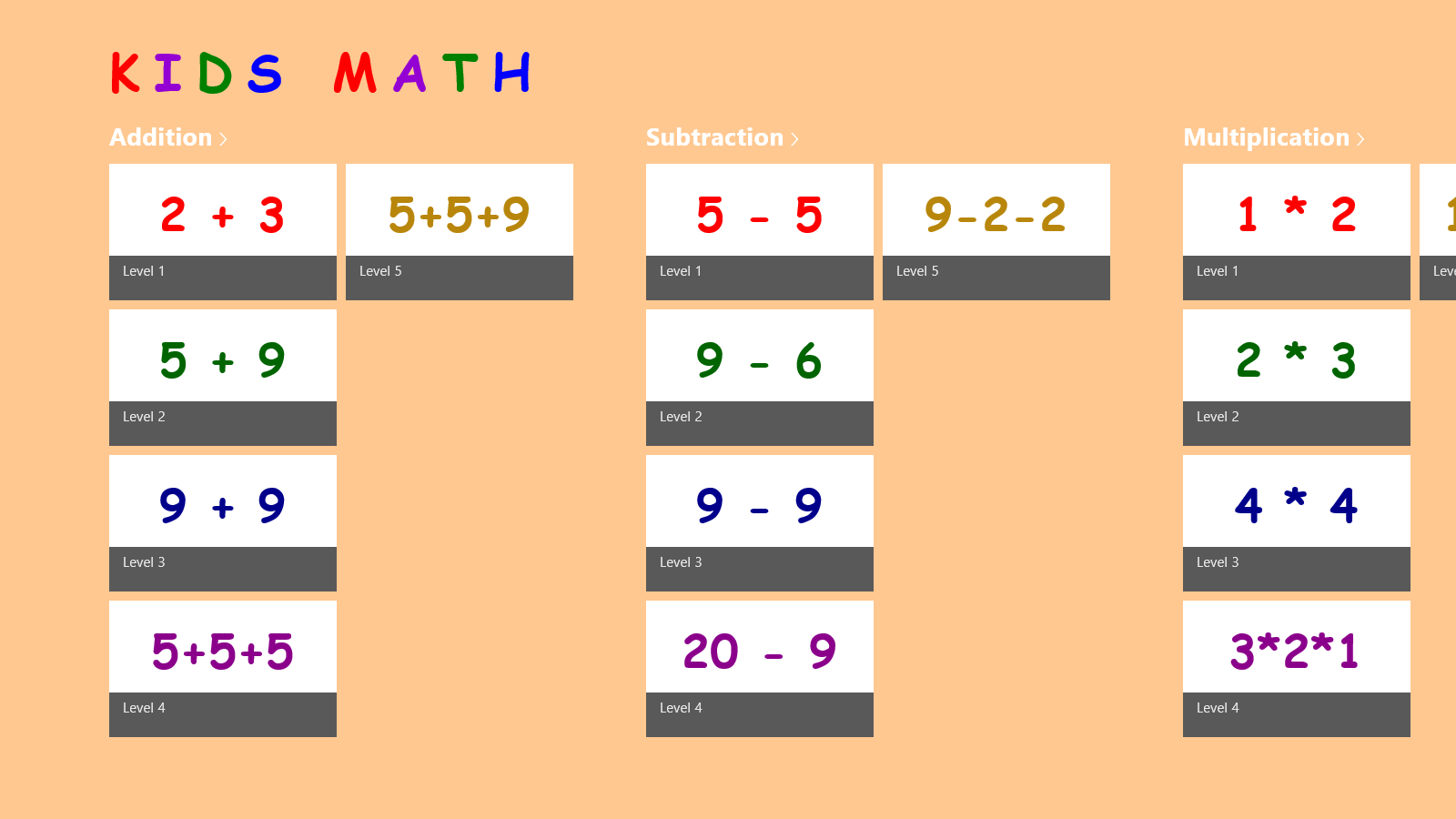
The application focuses on the four pillars of elementary mathematics, offering dedicated modules for each operation:
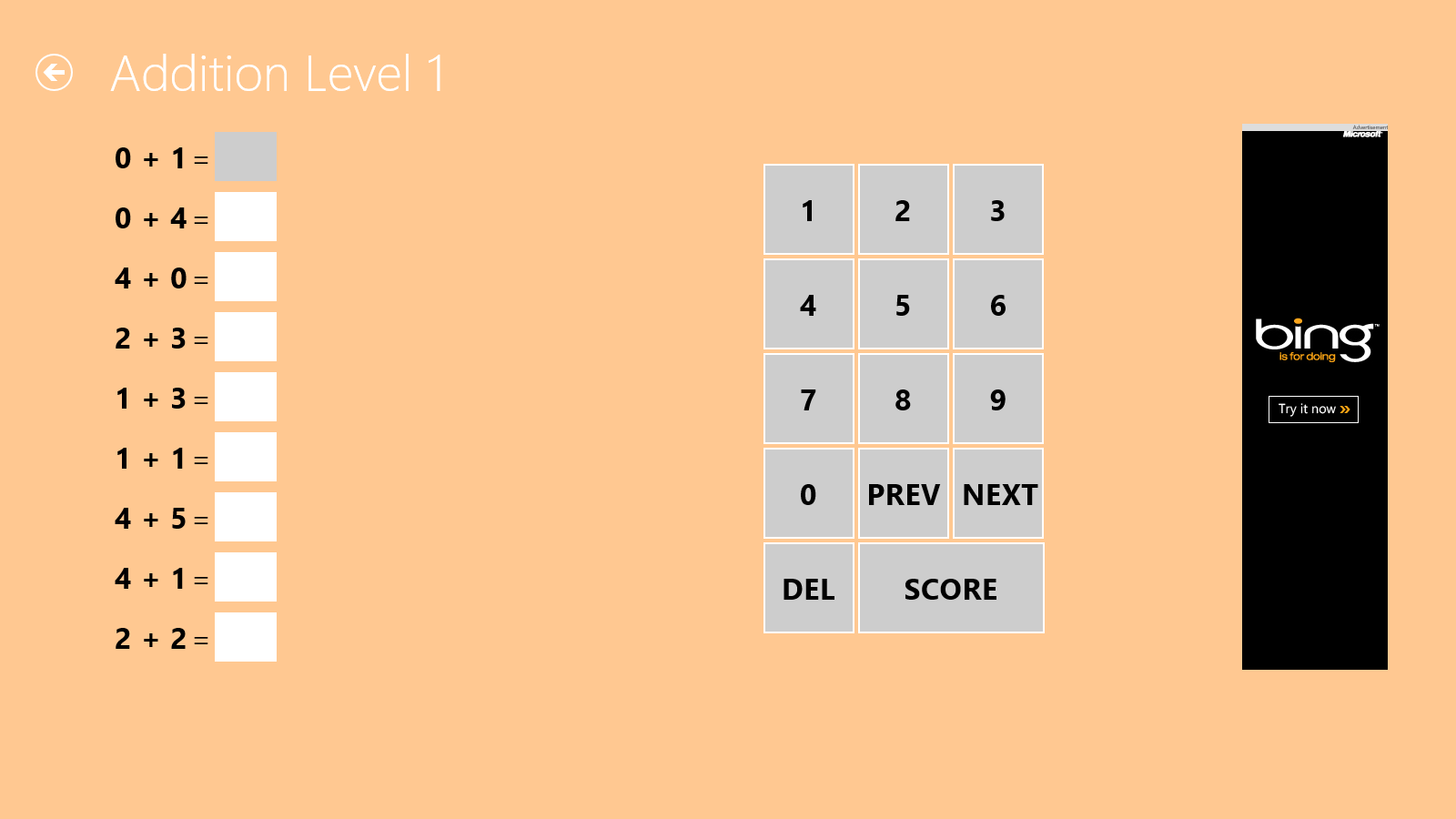
- Addition: Simple single-digit equations progressing to more challenging double-digit combinations.
- Subtraction: Intuitive problem sets that help children understand the concept of taking away.
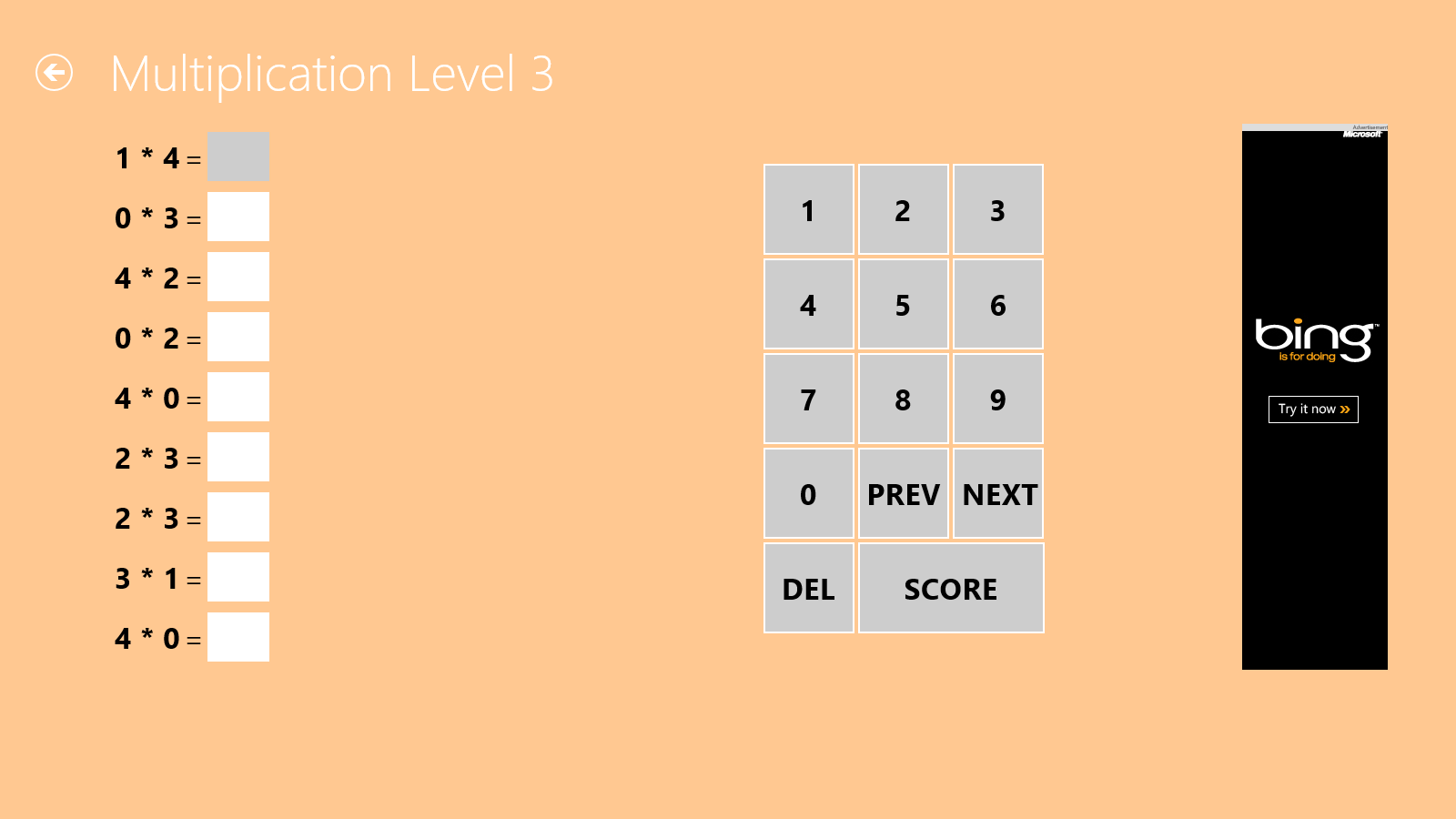
- Multiplication: Introductory times-table practice to build early memorization skills.
- Division: Basic sharing and grouping exercises designed for second-grade learners.
Why Structured Practice Matters
While many modern educational tools prioritize gamification, Kids Math Practice educational software prioritizes fluency. By focusing on direct question-and-answer formats, it encourages cognitive retention and helps children develop the mental stamina required for school exams. It is an excellent utility for parents who want to monitor progress and set daily practice goals without worrying about in-app distractions or complex navigation menus.
How to Get Started
If you are looking for a clean, efficient, and highly focused tool to boost your child's math confidence on a Windows PC, this application is a solid, lightweight option. To explore the interface and start practicing, head over to the official Microsoft Store to view the application details.
Rate the App
User Reviews












Popular Apps










Editor's Choice