
Latest Version
Microsoft Corporation
Education
Windows
Free
9n0dgwh9pszf
Report a Problem
More About Reading Coach
Personalized Literacy Mastery with Reading Coach
The Reading Coach literacy practice tool stands out in the educational space by putting personalized narrative creation directly into the hands of the learner. Developed by Microsoft Corporation for the Windows platform, this application shifts away from rigid, one-size-fits-all reading exercises. Instead, it utilizes artificial intelligence to generate dynamic stories that adapt to individual abilities, making the process of acquiring literacy skills feel like an interactive adventure rather than a classroom chore.
How Reading Coach Transforms Reading Practice
By pairing cutting-edge technology with high-quality educational resources, the application ensures that learners remain self-motivated. Here is how the platform structures its learning experience:
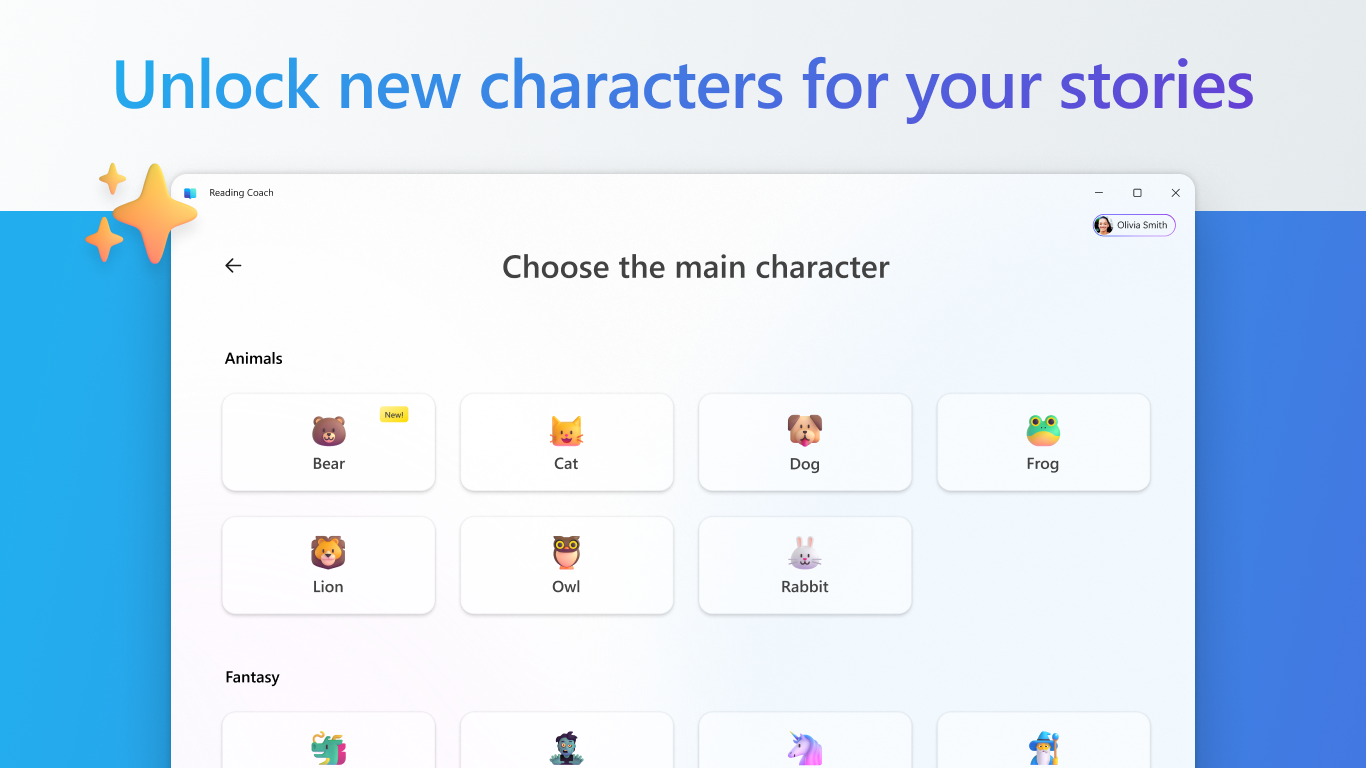
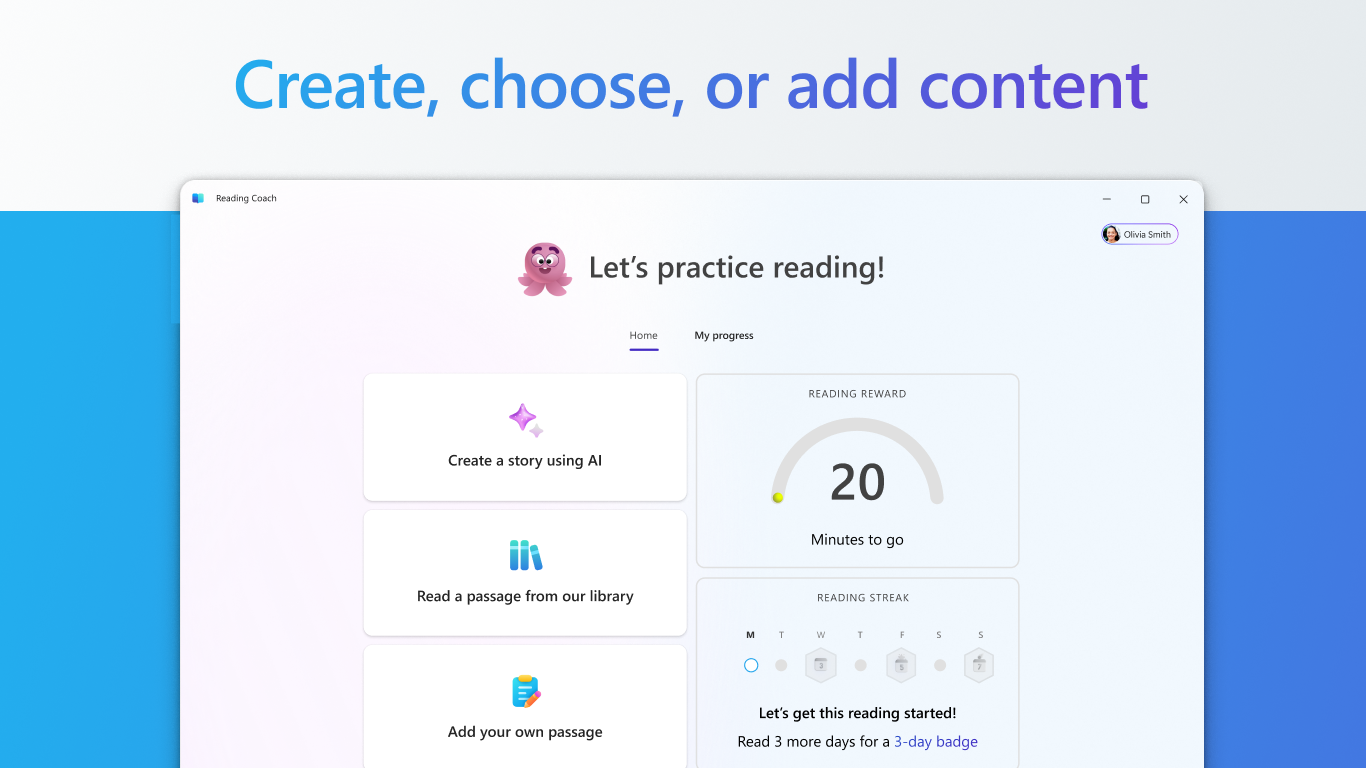
- AI-Generated Storytelling: Learners can co-create stories, choosing characters and settings to generate reading material that aligns with their personal interests.
- ReadWorks Integration: Access a vast, high-quality library of leveled passages from ReadWorks, ensuring the reading material is pedagogically sound.
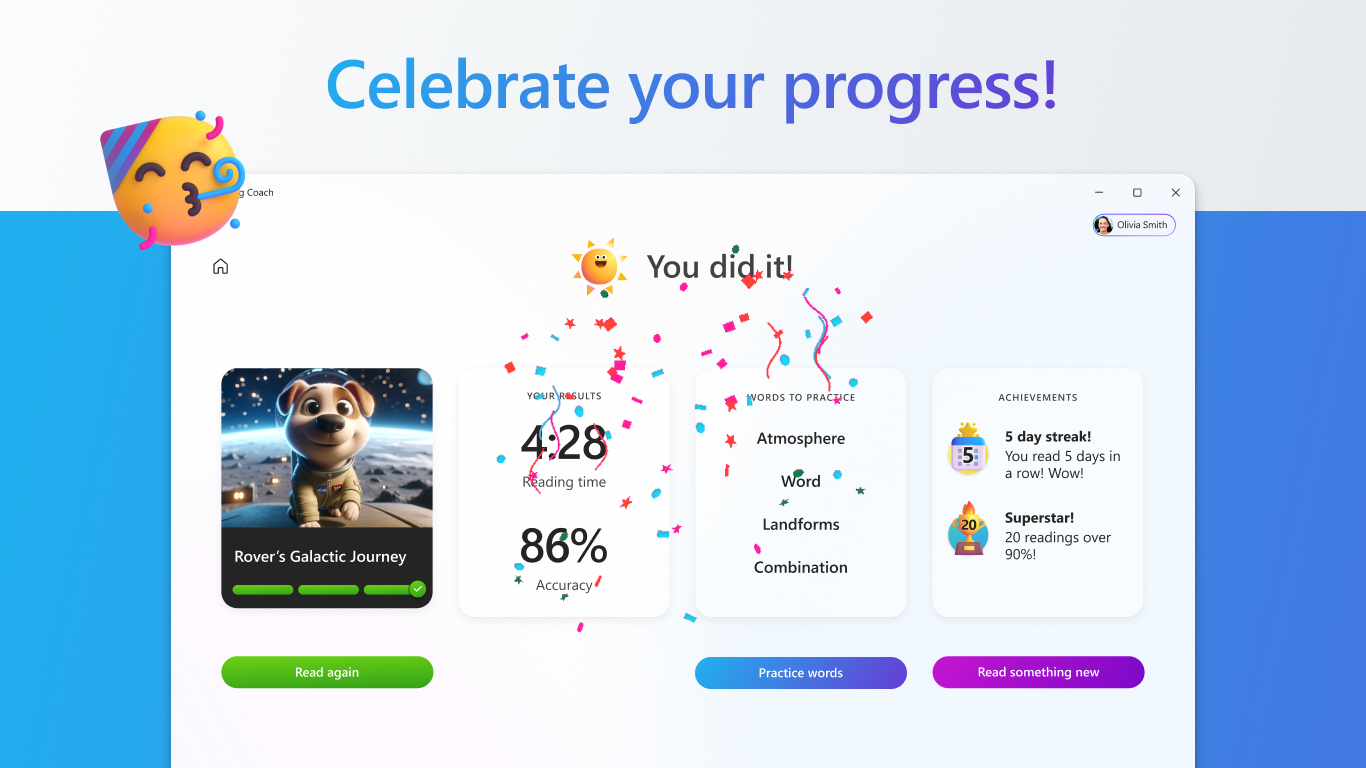
- Gamified Progression: Keep engagement high by unlocking new characters, badges, and background settings as reading milestones are achieved.
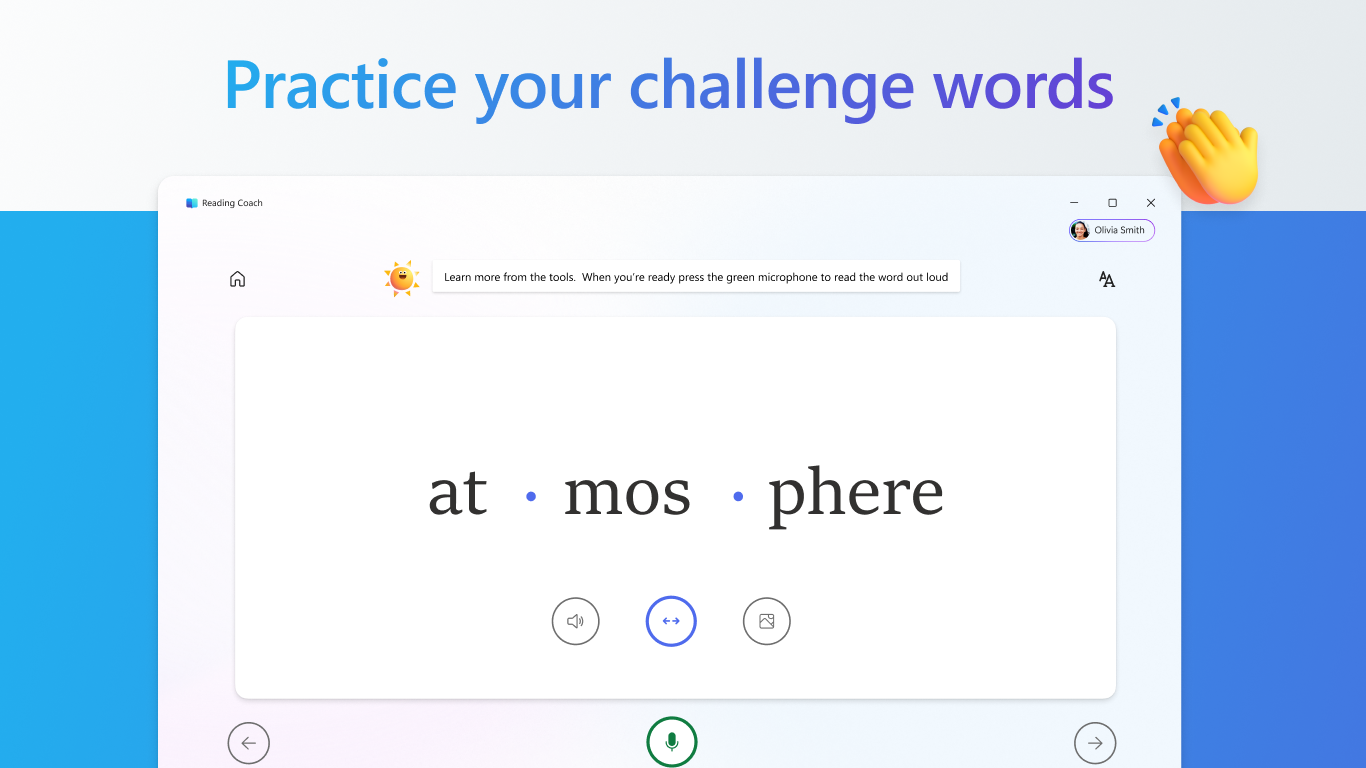
- Targeted Word Practice: The application automatically detects challenging words, offering structured opportunities for learners to practice and master them.
Who Is This Literacy Practice Tool For?
This software is specifically designed for independent learners who already understand how to decode words but require consistent, engaging practice to build fluency, comprehension, and confidence. It serves as an excellent supplemental resource for home learning environments and independent study sessions on Windows devices.
Track Progress Effortlessly
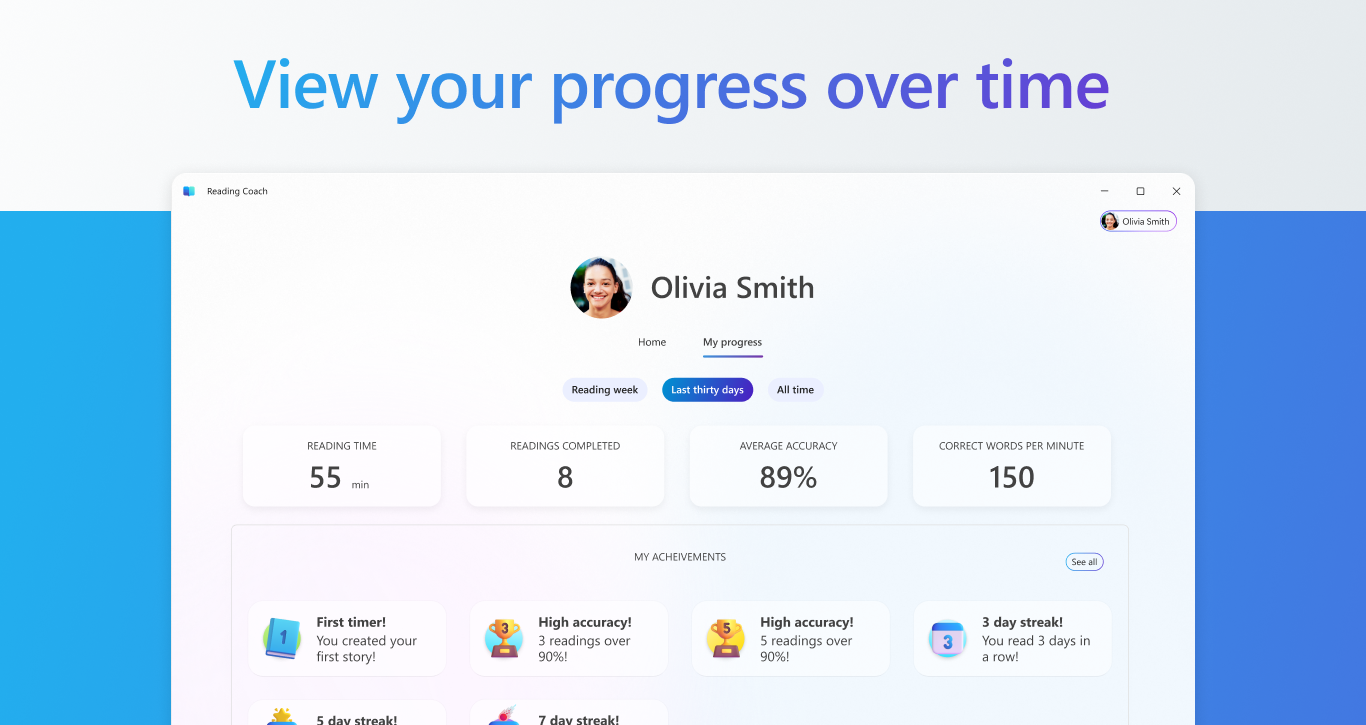
Beyond the engaging student interface, the tool features robust progress tracking. Learners and educators can monitor development over time, pinpointing specific areas of strength and identifying which vocabulary words require additional focus. This data-driven approach ensures that no reader is left behind.
If you are looking for an intelligent, adaptive way to boost reading confidence, we highly recommend exploring this software. You can learn more and get the application via the official Microsoft Store.
Rate the App
User Reviews













Popular Apps










Editor's Choice