

Latest Version
Sakib Musharraf
Media
iOS
Free
1458937973
Report a Problem
More About MX Player- Video Player
A Seamless Way to Enjoy Offline Media on iOS
Finding a reliable, all-in-one media companion on iOS can be a challenge. The MX Player- Video Player media player steps into this space as a versatile tool designed to organize, secure, and play your favorite video and audio files directly from your mobile gallery. Rather than dealing with complex file conversions, this application aims to streamline your local playback experience with an intuitive, gesture-based interface.
Key Capabilities of the MX Player- Video Player Media Player
This media player is packed with practical features that cater to everyday viewing and listening needs. Here is a breakdown of what makes it stand out:
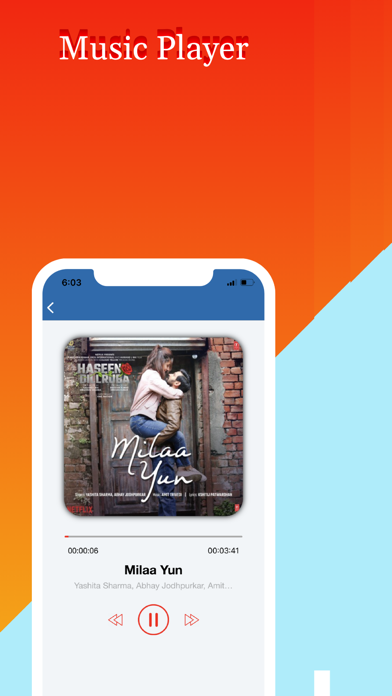
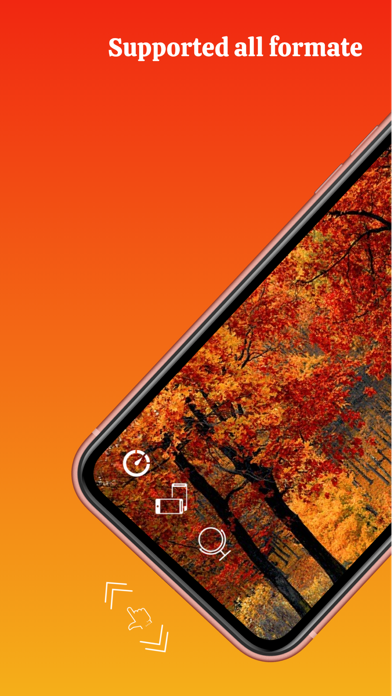
- Broad Format Compatibility: It supports a wide array of popular video and audio formats, including MP4, AVI, MOV, MKV, MP3, and AAC, allowing you to play your files without hassle.
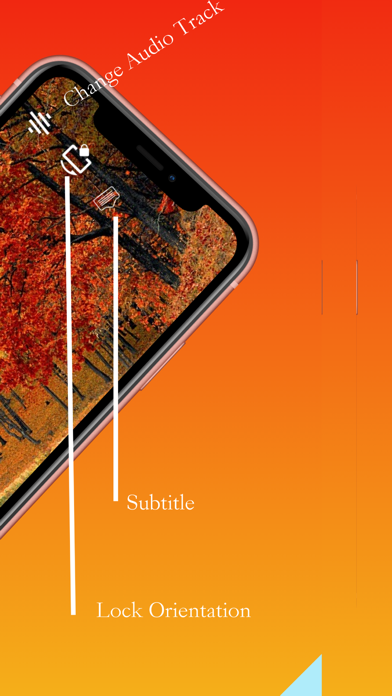
- Smart Gesture Controls: Adjust your viewing experience on the fly. You can swipe up and down on the right side of the screen to control volume, swipe on the left side to adjust brightness, or swipe left and right to switch audio tracks.
- Advanced Playback Options: Features like a mirror mode help you switch left and right orientations (ideal for learning choreography), while adjustable playback speeds and continuous playback keep you in control of your media.
- Inbuilt Subtitle and Multi-Audio Support: Easily manage videos that contain multiple audio tracks or embedded subtitle files directly within the player.
Privacy and Folder Management
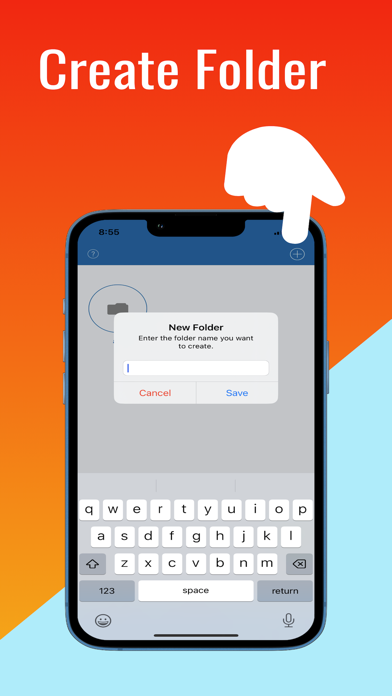
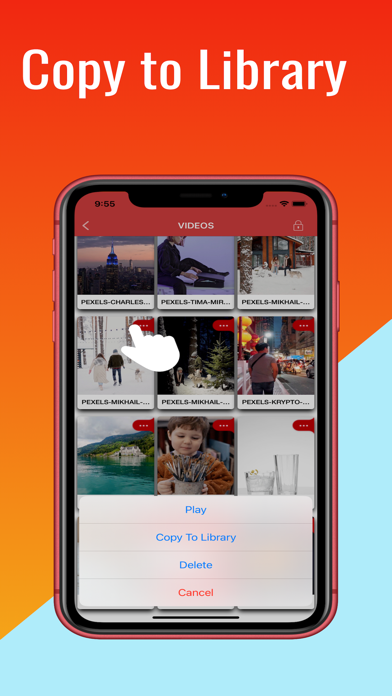
Beyond simple playback, the MX Player- Video Player media player serves as a secure media manager. If you have sensitive personal videos or private recordings in your library, you can utilize the built-in passcode security. The app allows you to lock your entire library or set passcodes on individual folders, ensuring your private media remains confidential. Additionally, the folder management system lets you easily move, rename, and organize your files into custom playlists.
Who Is This Media Player For?
If you frequently transfer videos from your computer via iTunes or save media directly to your iPhone or iPad, this app provides the flexibility you need. It is particularly useful for offline travelers, dance students utilizing the mirror mode, and anyone who values strict privacy controls over their local media library.
Our Verdict
The MX Player- Video Player media player provides a solid, feature-rich environment for managing local files on iOS. With its robust security options, versatile gesture controls, and wide format support, it is a highly capable alternative to default iOS players. To experience these playback features firsthand, visit the official iOS App Store to download the app for your device.
Rate the App
User Reviews




Popular Apps










Editor's Choice