
Latest Version
Jonathan Bui
Media
iOS
Free
1610938825
Report a Problem
More About Video Player - PIP and more
An Editorial Review of Video Player - PIP and more
Finding a reliable media companion on iOS that handles diverse file formats without converting them beforehand can be a challenge. Video Player - PIP and more, developed by Jonathan Bui, addresses this exact problem by delivering a native-feeling, feature-rich player designed for seamless playback on Apple devices. Whether you want to watch high-definition local files or stream content directly from network servers, this utility provides a robust environment to enjoy your media your way.
Versatile Format Support and Native Design
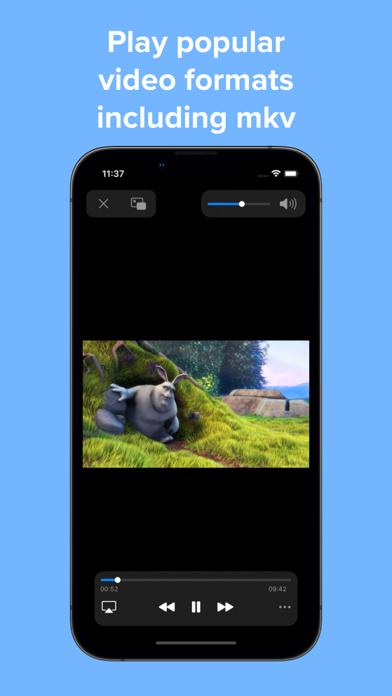
At its core, this application is built to handle highly demanding media codecs. Users can play advanced video formats including H264, H265, AV1, VP8, and VP9, alongside classic containers like MP4, MKV, AVI, and WEBM. It also fully supports 4K and HDR playback, ensuring your high-resolution footage looks pristine. The user interface mimics the clean aesthetic of iOS, making navigation feel intuitive from the very first tap. You can load files directly from the native Files app or organize them on a dedicated home page without copying or importing data.
True Picture-in-Picture Multitasking
The standout utility of Video Player - PIP and more lies in its multitasking capabilities. The Picture-in-Picture (PIP) mode allows you to keep your video running in a resizable window while you browse web pages, answer emails, or text friends. Unlike basic players, this app ensures full subtitle rendering continues flawlessly within the PIP window. You can even customize font sizes, colors, and styles so the text remains readable regardless of how small you scale the video window.
Advanced Playback Customization
For power users, the player includes several sophisticated tools to tailor your viewing and listening experience:
- Gesture Controls: Adjust playback progress, screen brightness, and audio levels with simple swipe gestures.
- Audio Equalizer: Fine-tune your sound output using an integrated 10-band audio equalizer.
- Subtitles Integration: Search and download subtitle files directly from OpenSubtitles within the interface, or import external local subtitle files.
- A-B Loop and Speed Control: Repeat specific segments of a video or speed up playback to save time.
- Live Text: Pause any video and copy text directly from the screen on compatible iOS devices.
Pro Upgrades for Power Users
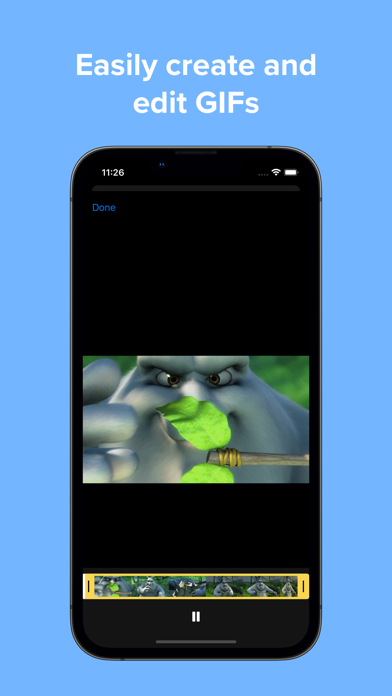
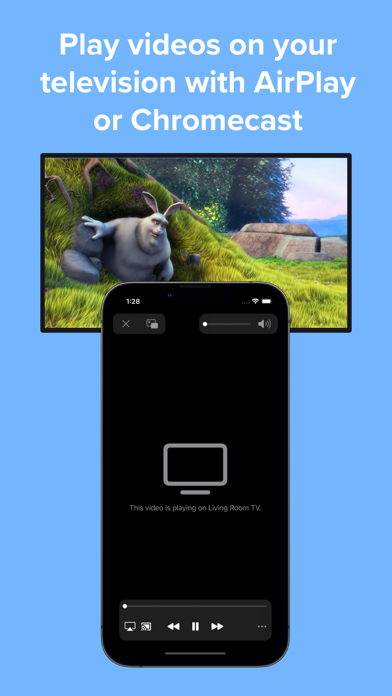
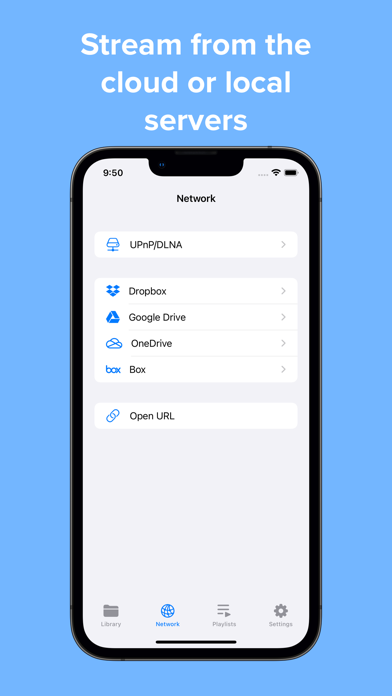
While the base application offers an excellent core experience, upgrading to the Pro version unlocks cloud integration (Dropbox, Google Drive, OneDrive, Box) and local server streaming via SMB, Emby, and Jellyfin. Pro users also gain access to passcode and biometric security locks, offline downloads, playlist creation, custom GIF generation, and Chromecast support up to 1080P.
Is It Right For You?
If you need a highly adaptable media tool that respects the iOS aesthetic while offering advanced control over subtitles and background playback, this app is an exceptional choice. To experience its powerful features firsthand, visit the official Apple App Store to download the application for your device.
Rate the App
User Reviews



Popular Apps










Editor's Choice